Puzzle 381
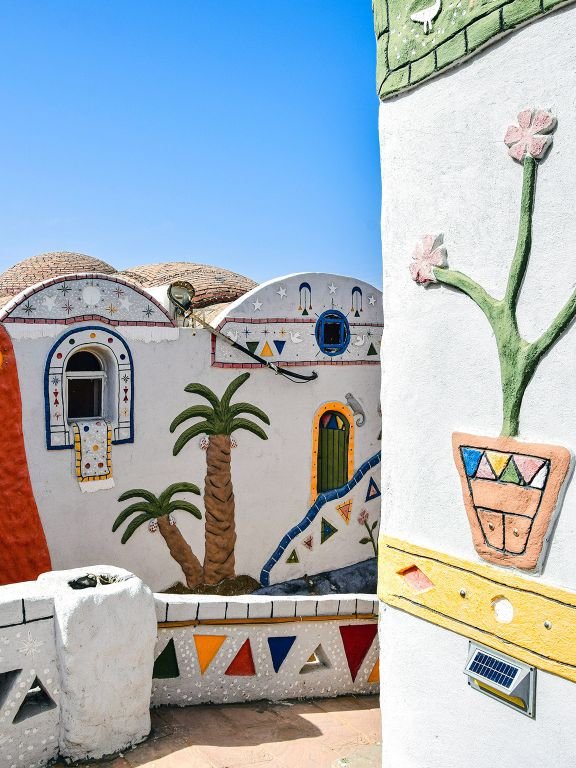
Compare two photo pictures and find all 5 changes. You can click either image, use the magnifier for tiny details, and spend up to three area hints when the scene gets stubborn.
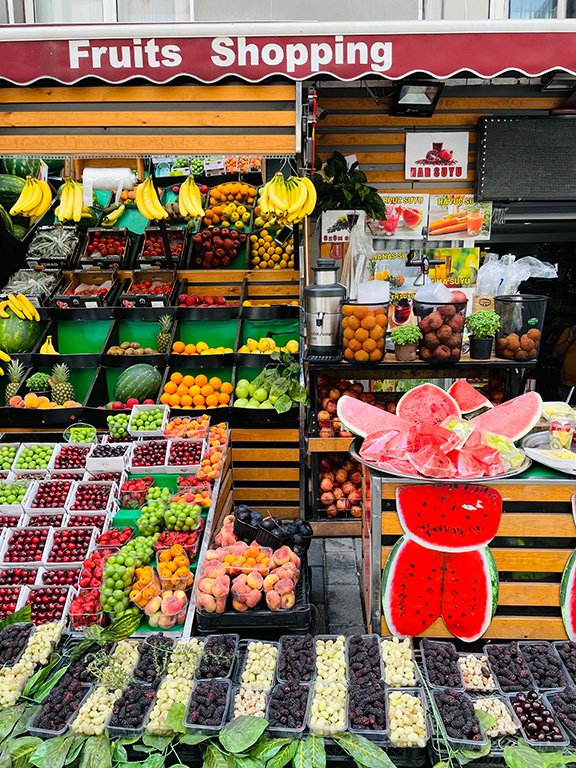
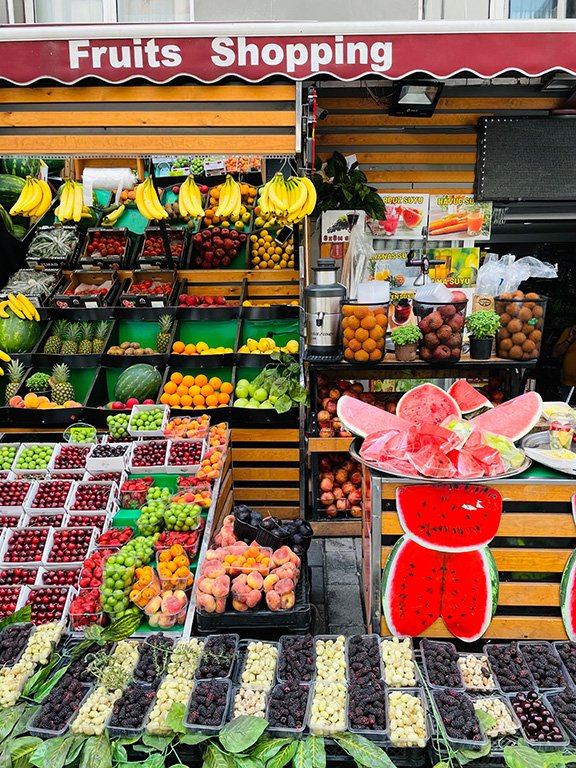
Loading both pictures
Click a difference on either picture. Zoom mode enlarges the area under your pointer; each wrong click adds 5 seconds.
How to play Puzzle 381
The puzzle shows an Original image and a Puzzle image side by side. Press Start when both pictures have loaded, then click the changed area on either picture. A correct click marks the difference on both images and advances the progress counter. The round finishes when all 5 verified changes have been found, so you never need to guess whether a hidden object is still missing.
There is no lives system. A miss adds five seconds to your result instead of ending the round, which keeps experimentation useful. If the picture scene becomes crowded or very detailed, turn on Zoom and move your pointer across either picture to inspect a magnified area. Hint marks a search zone for one unfound change and is most valuable after you have already eliminated several obvious regions.
A faster search method for picture scenes
Begin with the strongest visual anchors, then move outward. Compare the two versions of a large object, check the items immediately around it, and sweep the smaller background details only after the obvious areas are clear. This order prevents the common mistake of hunting tiny texture changes before finding a large missing object.
Use the same visual path on both pictures instead of randomly jumping between them. Move from large shapes to medium objects, then inspect fine textures and edges. Pausing for two seconds at a region is usually faster than clicking rapidly, because every miss adds time and a wrong marker can momentarily distract your eyes.
Scoring, replay, and support tools
Your adjusted time is the elapsed clock plus five seconds for every miss. The completion panel also shows the number of mistakes and hints, giving you three simple ways to judge a run: finish, speed, and accuracy. Replay resets the timer while keeping the same verified differences, so you can test whether a systematic search order beats your previous result.
The game works with a mouse, trackpad, or touch screen. On a phone, the two images remain stacked in a compact layout and taps use the same hot zones as desktop clicks. No account is required to play, and the board stays free of forced interstitial ads while a round is active.
Game FAQ
How many differences does Puzzle 381 contain?
There are 5 verified clickable differences. The counter is connected to the same point data used to validate clicks, so the total cannot drift as you play.
Do wrong clicks end the game?
No. Every miss adds five seconds to your final time. This keeps the game friendly for beginners while still rewarding careful observation.
How many hints can I use?
Each round provides three area hints. A hint narrows the search area rather than drawing the exact answer, so the puzzle remains active.
Can I replay the same puzzle?
Yes. Select Replay or reload the page to reset the same differences and compare your adjusted time, misses, and hints against the previous attempt.
More photo puzzles

Puzzle 458
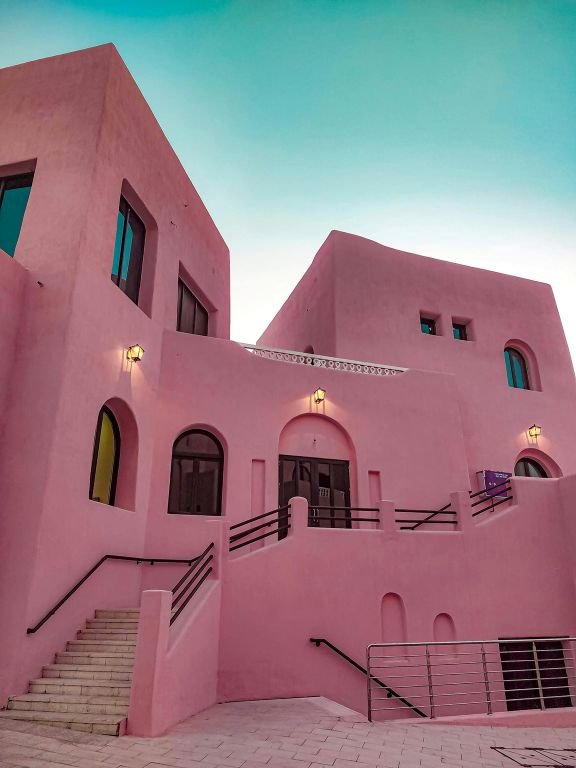
Spot 5 differences between two pictures in Puzzle 458.
Puzzle 457
Spot 5 differences between two pictures in Puzzle 457.

Puzzle 456
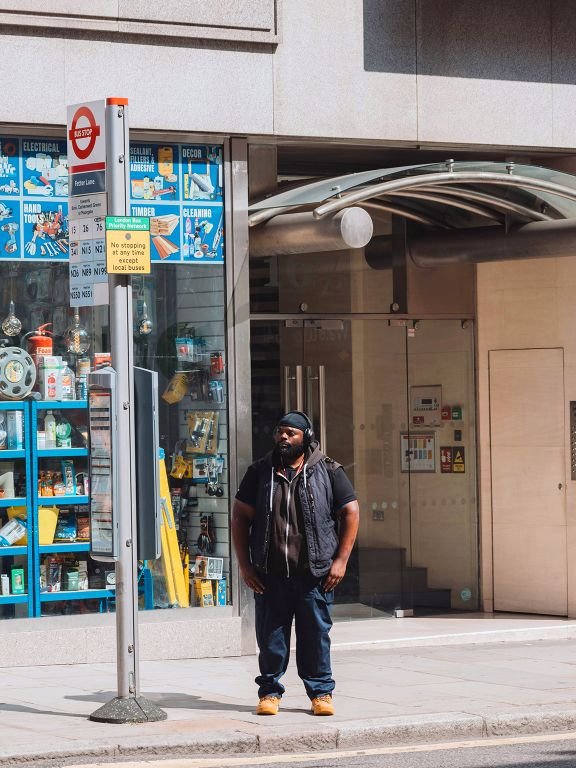
Spot 5 differences between two pictures in Puzzle 456.
Puzzle 455
Spot 5 differences between two pictures in Puzzle 455.

Puzzle 454
Spot 5 differences between two pictures in Puzzle 454.
Puzzle 453
Spot 5 differences between two pictures in Puzzle 453.